
Self-custody wallet
The safe, self-custody multichain wallet
Manage Bitcoin, Ethereum, BNB, Polygon, Solana, TRON and USDT — send, receive, bridge, and watch any address, without giving up your recovery phrase.
Bitcoin, Ethereum, BNB Smart Chain, Polygon, Solana, TRON, and USDT (ERC-20 / TRC-20).
1 / 5
What you can do
Create or import a wallet
Start a multi-chain wallet with a strong app password, or restore an existing wallet from your recovery phrase.
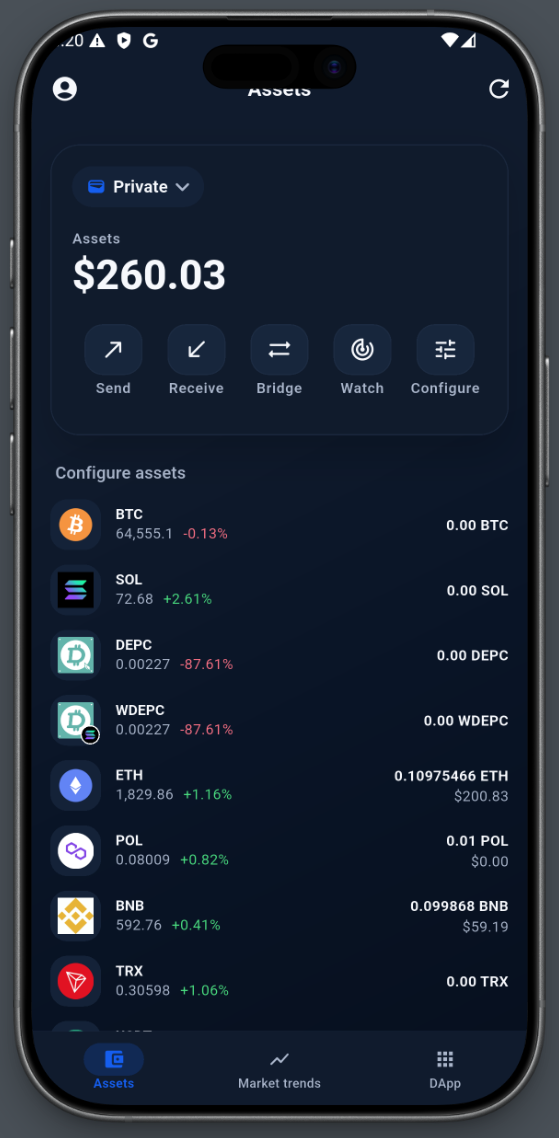
Asset overview
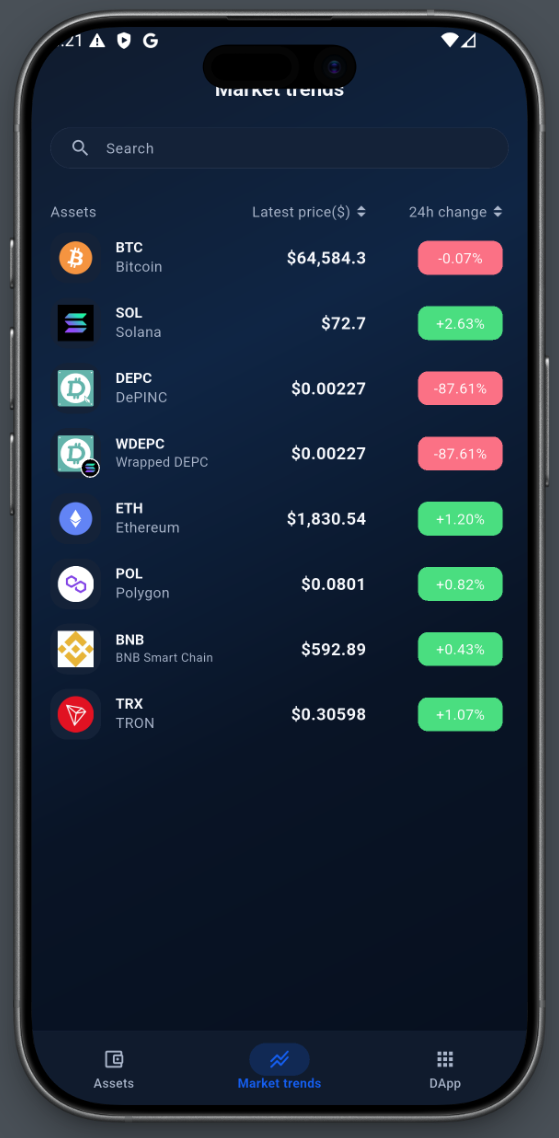
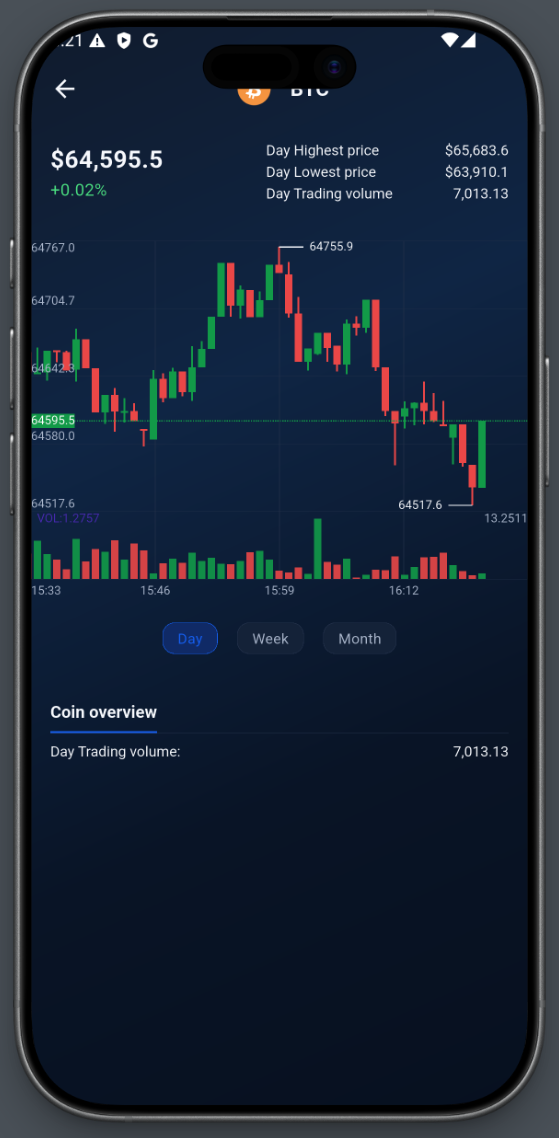
See name, icon and balance for every supported asset, plus live market prices and 24h changes.
Send and receive
Send to any address with adjustable network fees, or receive with your address and a QR code.
Transaction history
Every send, receive and bridge in chronological order, with full details and transaction hashes.
Cross-chain bridge
Move supported assets across chains directly in the app, typically in about three minutes.
Extra passphrase (25th word)
Add a BIP39 passphrase on top of your recovery phrase. The second wallet only opens with both.
Watch address
Follow an address without importing its private key. See balances and transactions in one list.
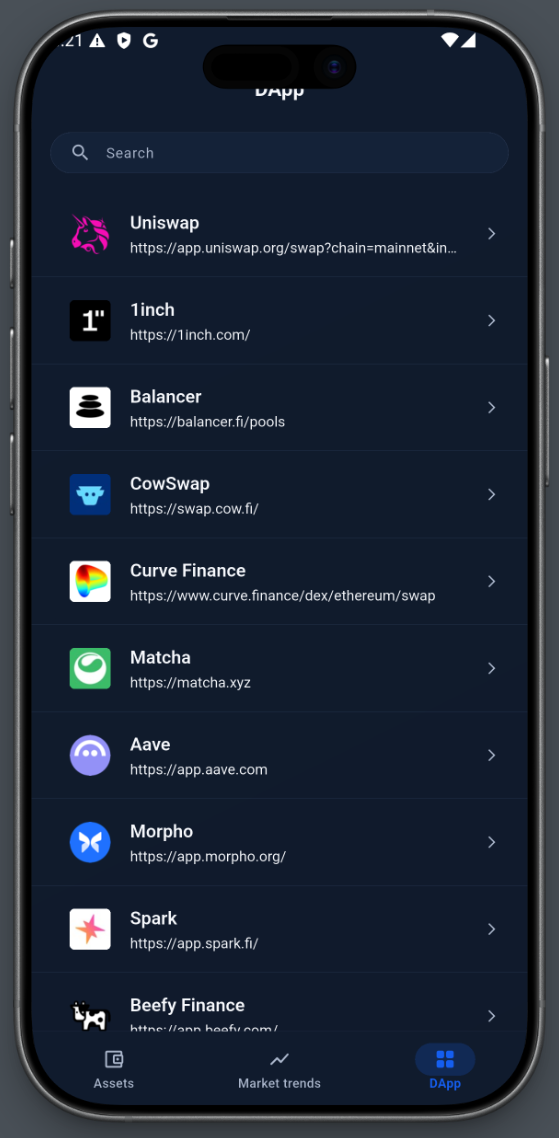
DApp browser
Open Web3 applications in the app and connect with the wallet provider already wired in.
Your keys stay yours
Security- Your recovery phrase is created and stored on your device. Never photograph it or keep it in the cloud.
- An app password and biometric unlock add a second barrier on your phone.
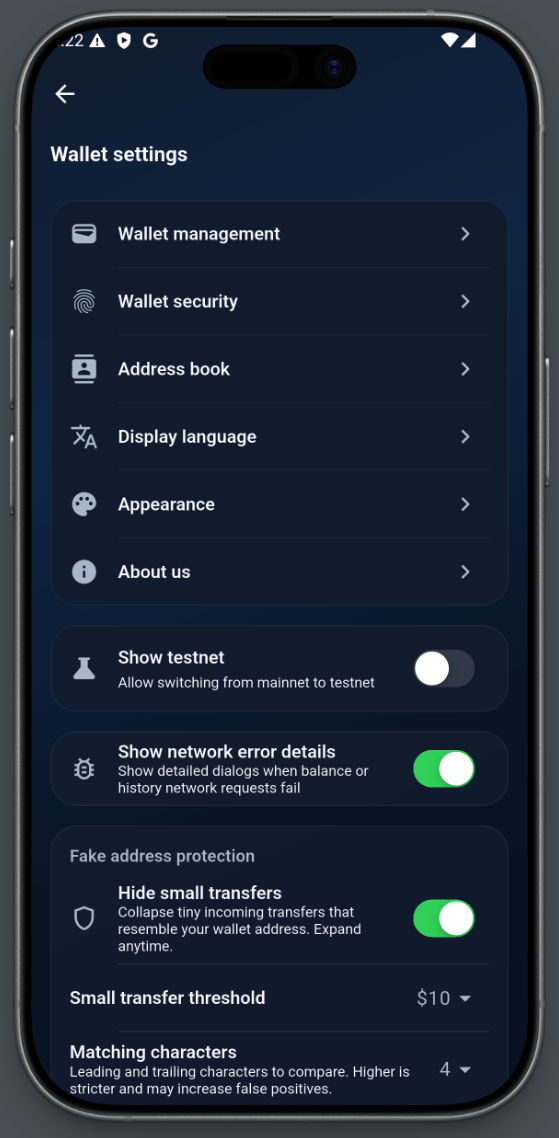
- The app flags lookalike addresses, warns before you copy one, and asks for explicit confirmation before sending to an address that resembles your own.
- Back up before significant transfers or after updates, and keep the backup in more than one secure place.
- The optional 25th-word passphrase is never stored on your device. Keep it written down separately from the recovery phrase.
Supported networks
Bitcoin, Ethereum, BNB Smart Chain, Polygon, Solana, TRON, and USDT (ERC-20 / TRC-20).
-

Bitcoin
Native BTC: receive, send and track transaction history.
-

Ethereum
Native ETH and ERC-20 tokens on Ethereum mainnet.
-

BNB Smart Chain
Native BNB and BEP-20 tokens on BNB Smart Chain.
-

Polygon
POL and Polygon tokens, with send, receive and history.
-

Solana
Native SOL and SPL tokens, including USDT on Solana.
-
TRON
Native TRX and TRC-20 tokens, including USDT on TRON.
-

USDT
ERC-20 and TRC-20 USDT, with balances aggregated across chains.
Questions
What is DWD Wallet? +
DWD Wallet is a self-custody wallet for iOS and Android. It supports Bitcoin, Ethereum, BNB Smart Chain, Polygon, Solana, TRON and USDT (ERC-20 / TRC-20).
Is DWD Wallet free? +
The app is free to download. Network fees are paid to the networks you use, not to us.
What happens if I forget my app password? +
The app password protects the wallet on this device. If you forget it, restore the wallet with your recovery phrase and set a new password.
What happens if I forget my extra passphrase? +
The 25th-word passphrase is needed to open the second wallet. It is not stored by the app, so without it that wallet cannot be restored — not even by us.
How does the wallet protect me from address poisoning? +
The app screens incoming transfers from lookalike addresses and asks for an explicit risk confirmation before you send to an address that closely resembles your own. Screening is a warning, not a guarantee.
Carry your wallet with you
Manage Bitcoin, Ethereum, BNB, Polygon, Solana, TRON and USDT — send, receive, bridge, and watch any address, without giving up your recovery phrase.
Download the app